How Do I Split a Clip?
Written by on in Video Editing Basics .
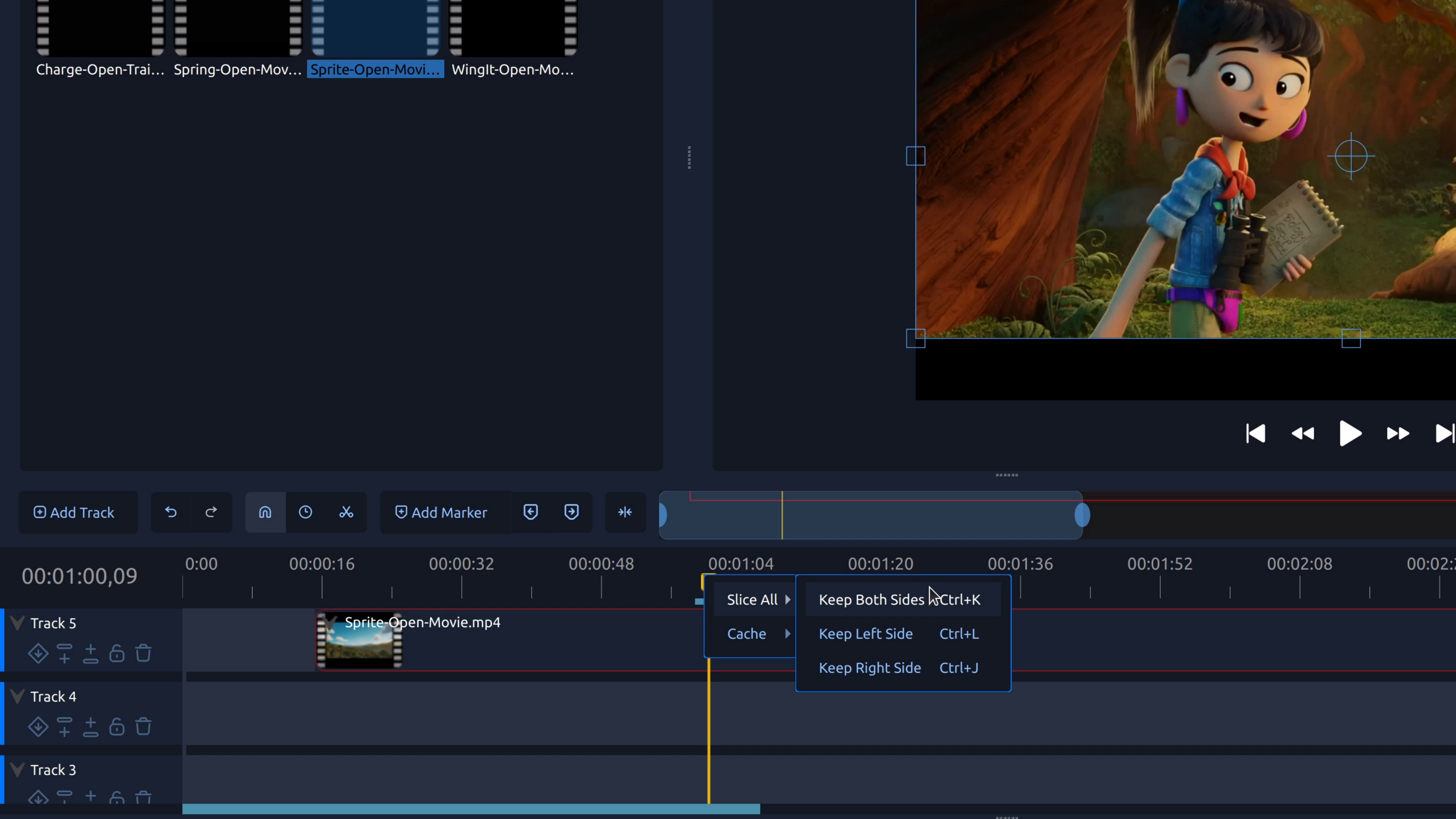
Splitting a clip lets you cut a video or audio clip into separate pieces so you can remove mistakes, tighten pacing, or add transitions.
Written by on in Video Editing Basics .
Splitting a clip lets you cut a video or audio clip into separate pieces so you can remove mistakes, tighten pacing, or add transitions.
Written by on in Video Editing Basics .
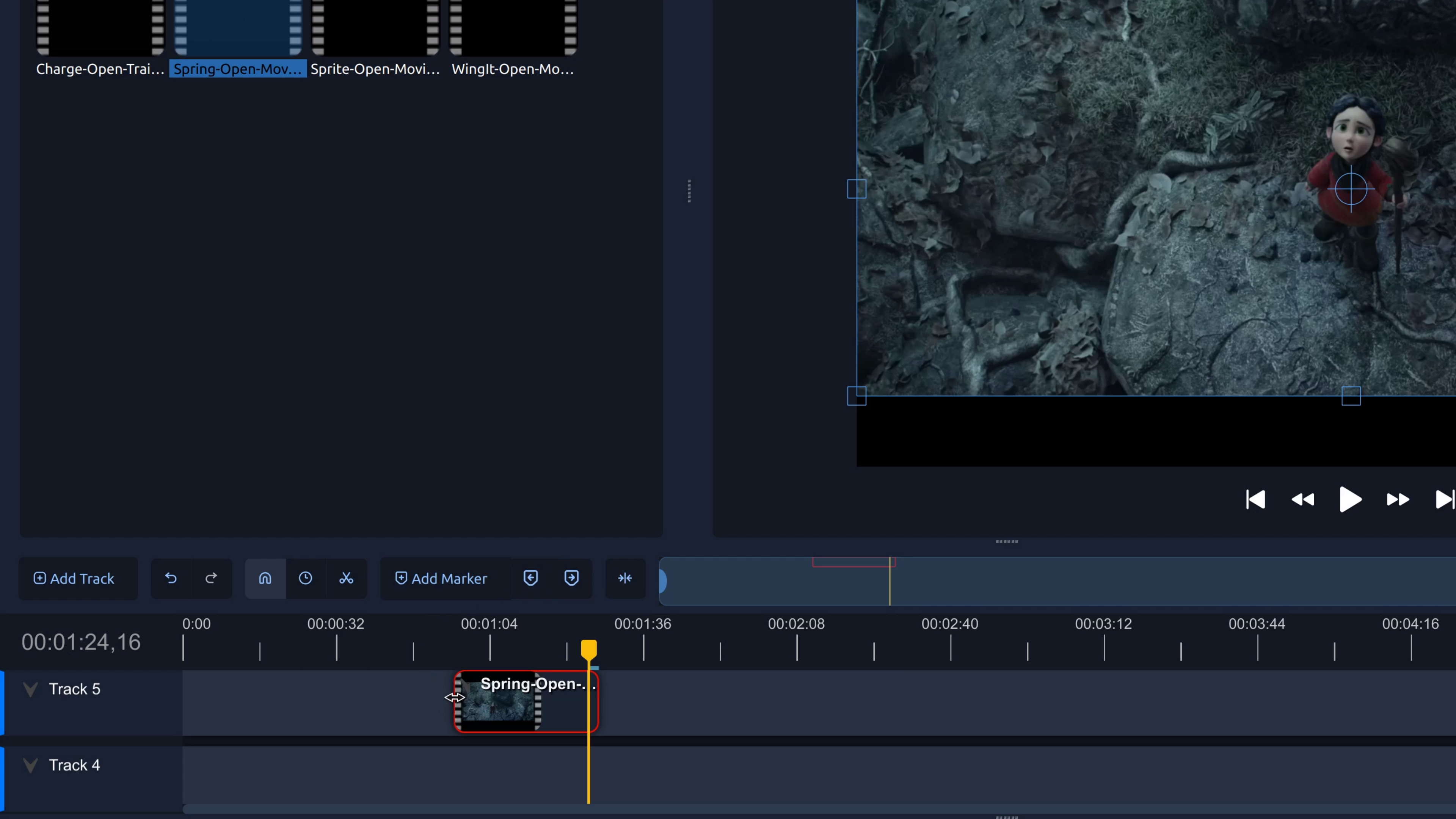
Trim the start or end of a video to remove unwanted footage. This step-by-step tutorial shows how to trim video clips in OpenShot.
Written by on in Video Editing Basics .
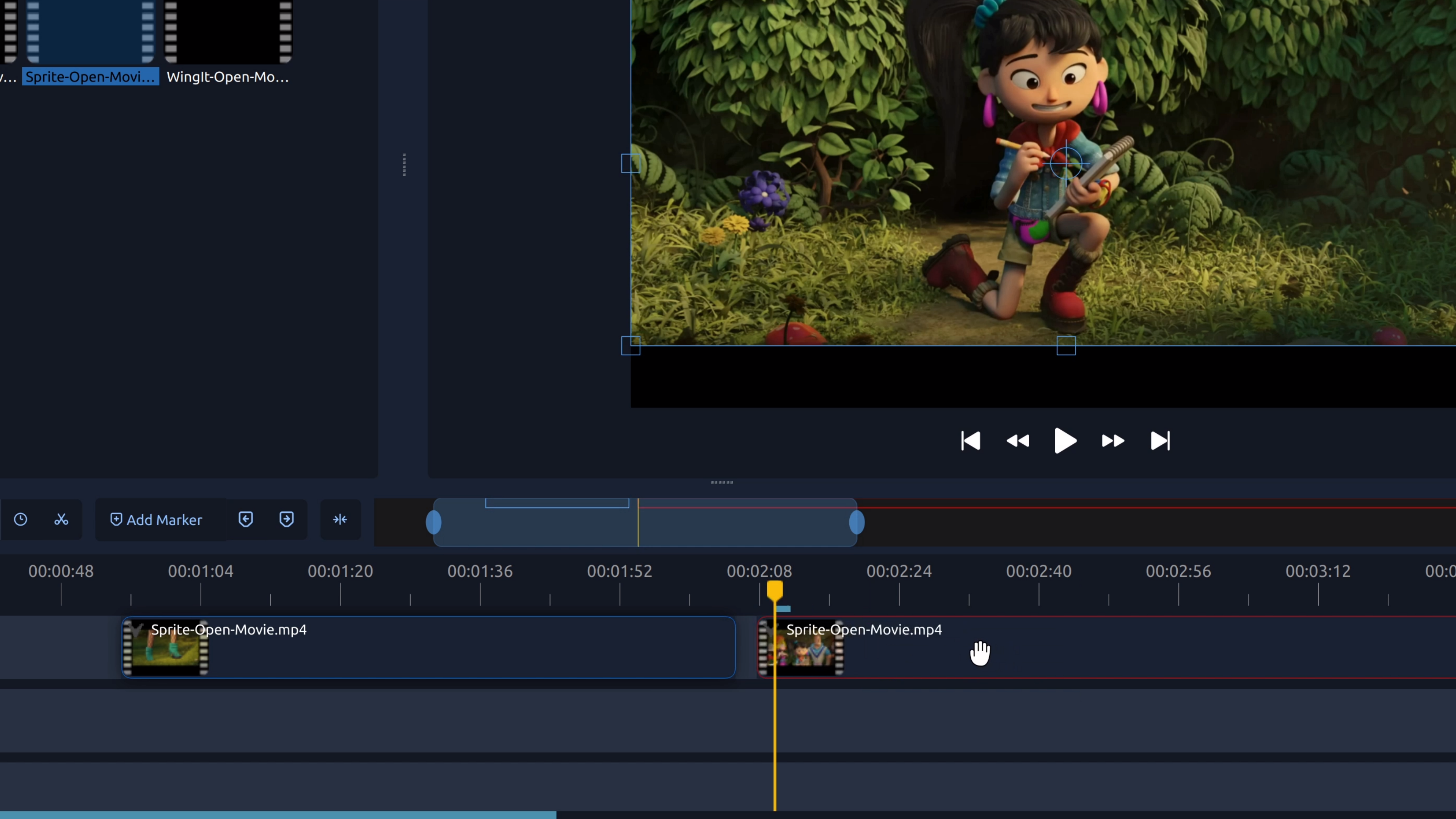
To remove part of a video from the middle, you split the clip at the start and end of the section you don’t want, then delete the unwanted piece.
Written by on in Video Editing Basics .
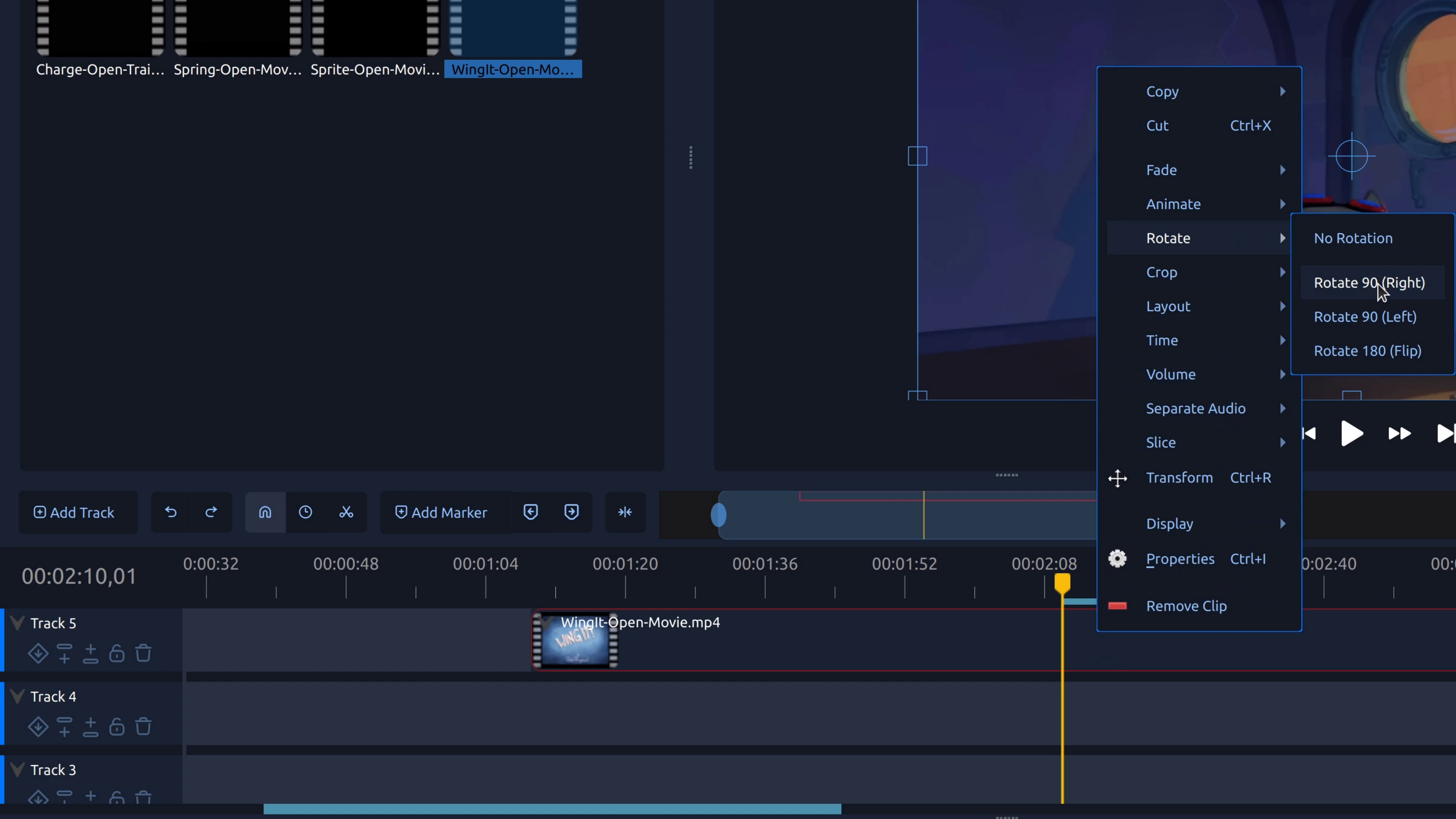
Rotating a video lets you fix sideways or upside-down footage by adjusting the clip’s rotation so it displays correctly.
OpenShot 3.5.1 makes editing faster, smoother, and more polished than ever. It adds a built-in Optimize Preview workflow for smoother editing, improves performance and responsiveness, upgrades time......
Read moreOptimizing a video creates a smaller, faster version for editing, so playback, scrubbing, trimming, and previews feel smoother without changing your final export quality....
Read more