How Do I Split a Clip?
Written by on in Video Editing Basics .
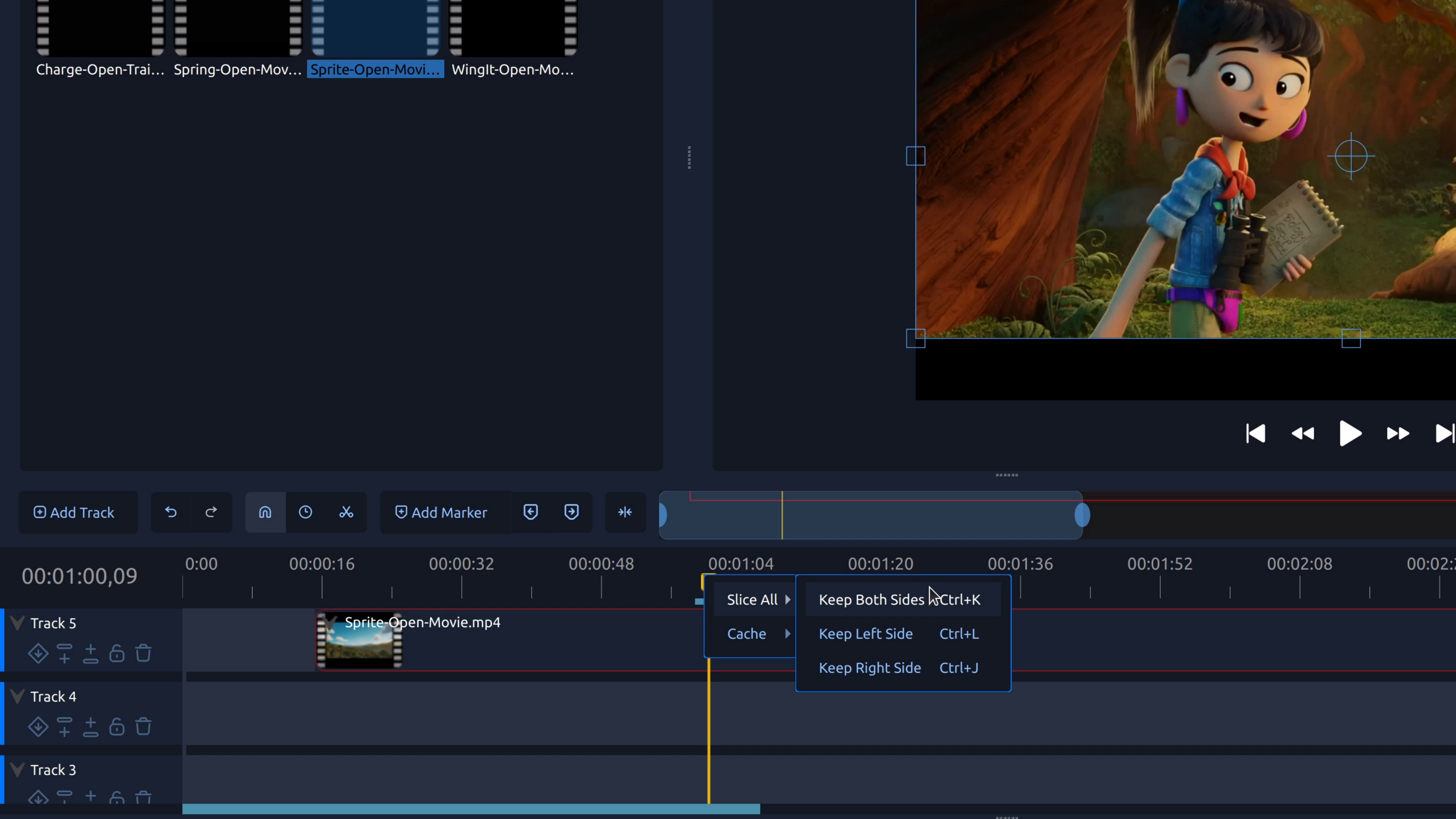
Splitting a clip lets you cut a video or audio clip into separate pieces so you can remove mistakes, tighten pacing, or add transitions.
Written by on in Video Editing Basics .
Splitting a clip lets you cut a video or audio clip into separate pieces so you can remove mistakes, tighten pacing, or add transitions.
Written by on in Video Editing Basics .
Trim the start or end of a video to remove unwanted footage. This step-by-step tutorial shows how to trim video clips in OpenShot.
Written by on in Video Editing Basics .
To remove part of a video from the middle, you split the clip at the start and end of the section you don’t want, then delete the unwanted piece.
Written by on in Video Editing Basics .
Rotating a video lets you fix sideways or upside-down footage by adjusting the clip’s rotation so it displays correctly.
Written by on in Releases .
Let's go! OpenShot 3.4 is here, and it's one of our largest updates we've ever done. An overall 32% speed up in performance, lower memory utilization, many new video effects and features, many bugs and crashes fixed, and an experimental timeline for those brave enough to test the future of OpenShot! Download OpenShot 3.4 Now!
Splitting a clip lets you cut a video or audio clip into separate pieces so you can remove mistakes, tighten pacing, or add transitions....
Read moreTrim the start or end of a video to remove unwanted footage. This step-by-step tutorial shows how to trim video clips in OpenShot....
Read more