
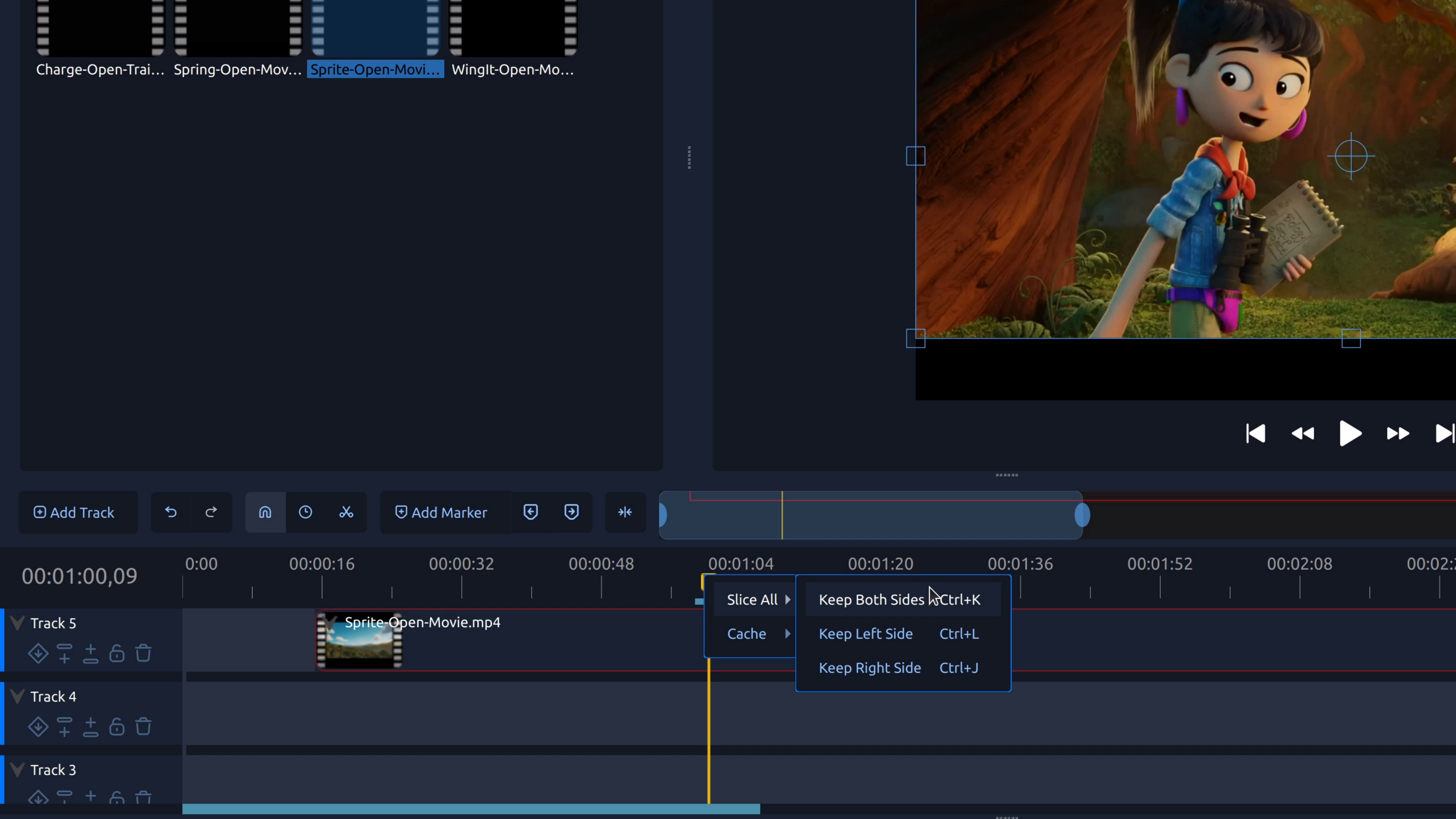
Splitting a clip lets you cut a video or audio clip into separate pieces so you can remove mistakes, tighten pacing, or add transitions.
Category archives: Video Editing Basics
RSS feed of Video Editing Basics
How Do I Trim the Start or End of a Video?
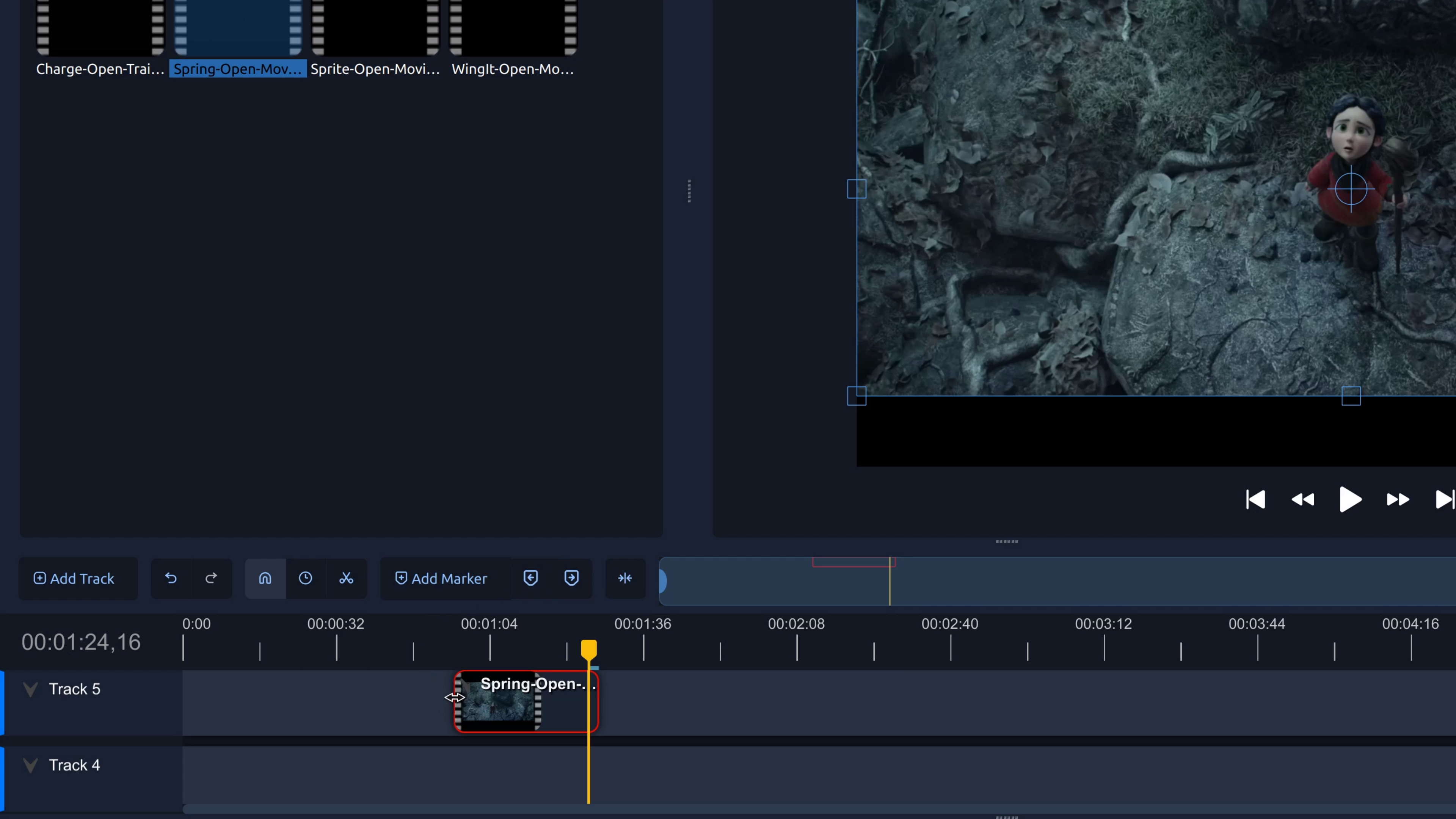
Trim the start or end of a video to remove unwanted footage. This step-by-step tutorial shows how to trim video clips in OpenShot.
How Do I Remove a Section from the Middle of a Video?
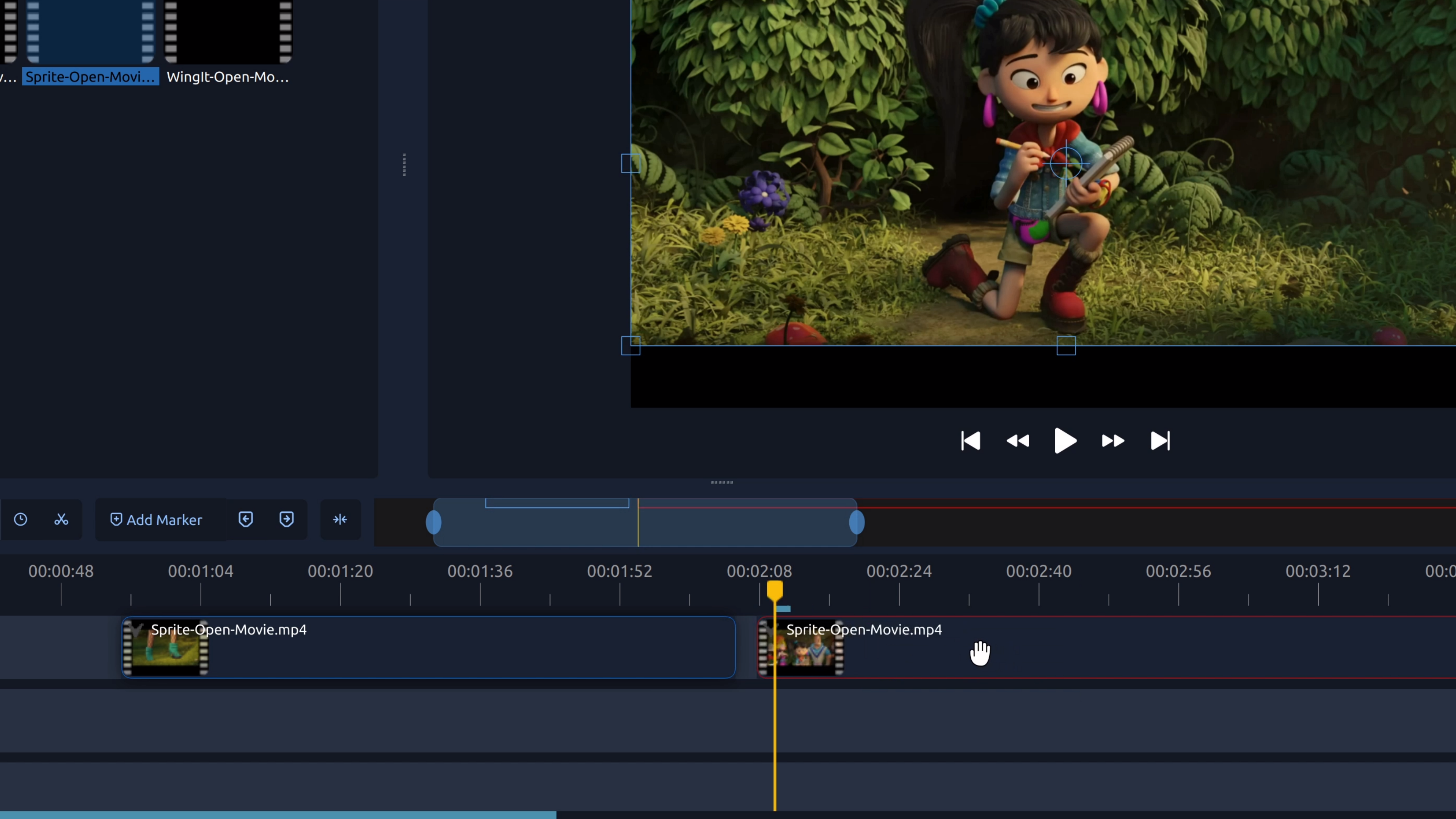
To remove part of a video from the middle, you split the clip at the start and end of the section you don’t want, then delete the unwanted piece.
How Do I Rotate a Video?
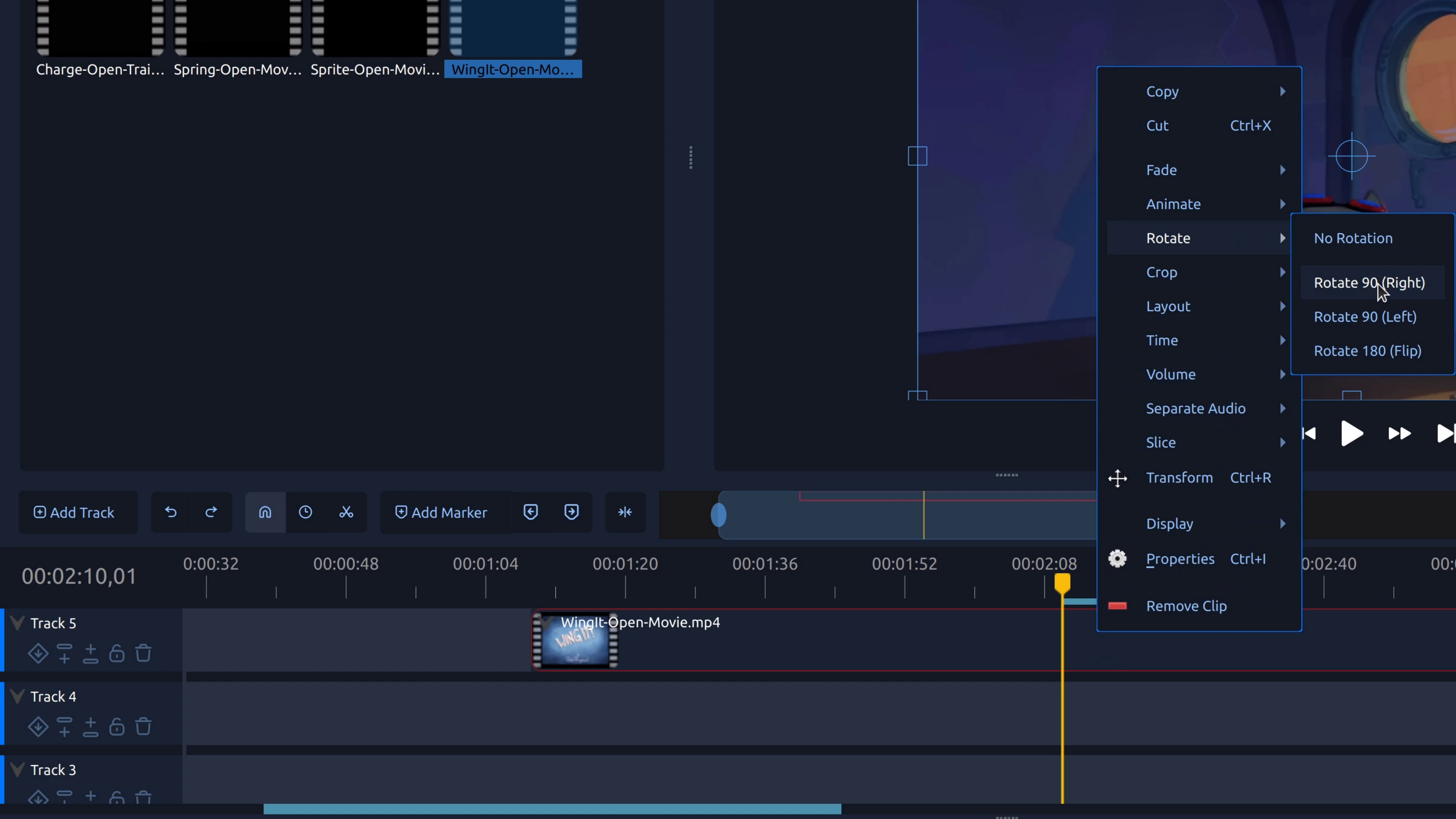
Rotating a video lets you fix sideways or upside-down footage by adjusting the clip’s rotation so it displays correctly.