
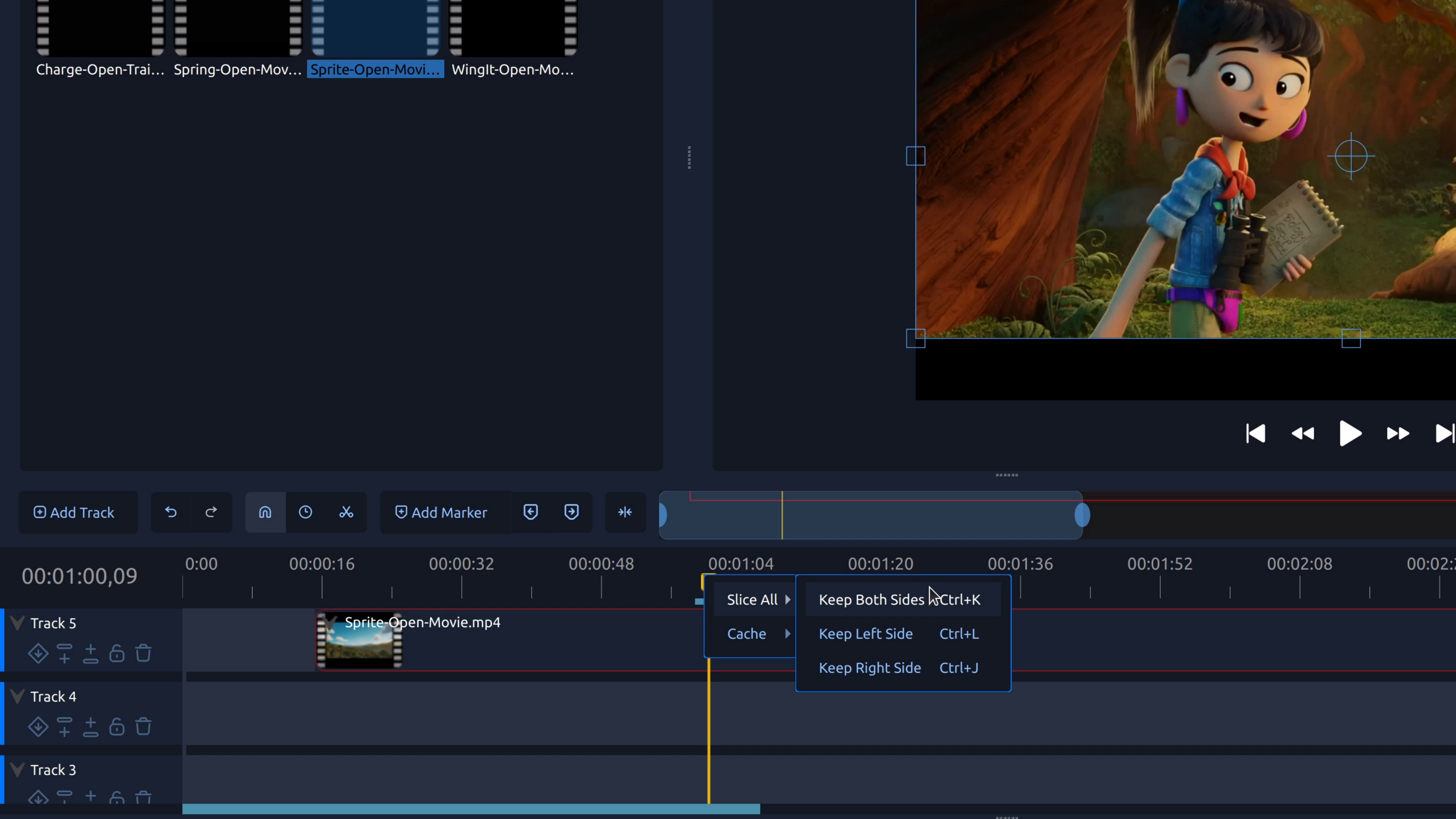
Splitting a clip lets you cut a video or audio clip into separate pieces so you can remove mistakes, tighten pacing, or add transitions.
Learn how to edit videos with OpenShot through clear, step-by-step tutorials and practical answers to common video editing questions. This section covers essential editing tasks like trimming clips, splitting video, adding audio, applying effects, and exporting finished videos—helping beginners and creators edit with confidence.
How Do I Trim the Start or End of a Video?
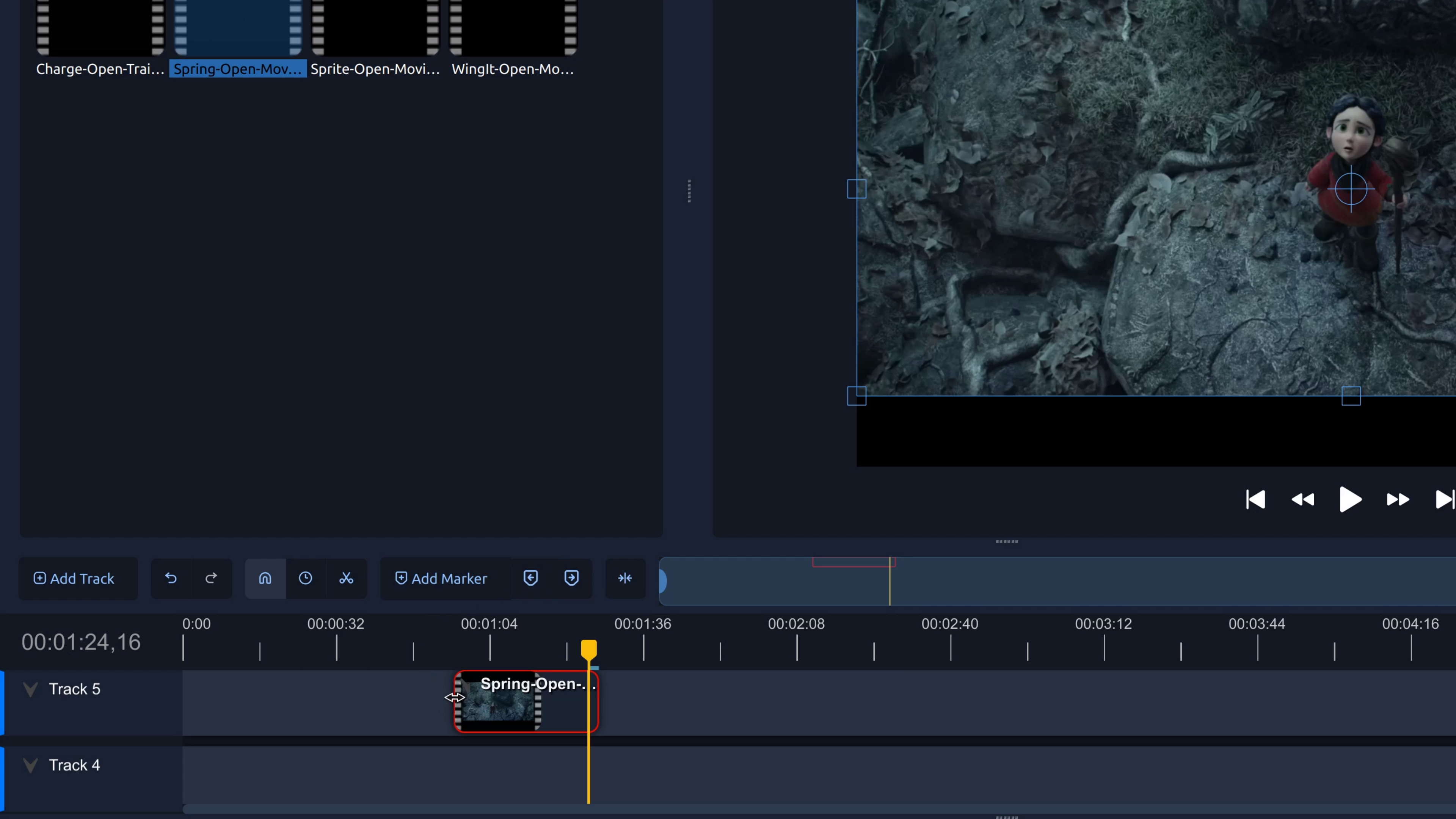
Trim the start or end of a video to remove unwanted footage. This step-by-step tutorial shows how to trim video clips in OpenShot.
How Do I Remove a Section from the Middle of a Video?
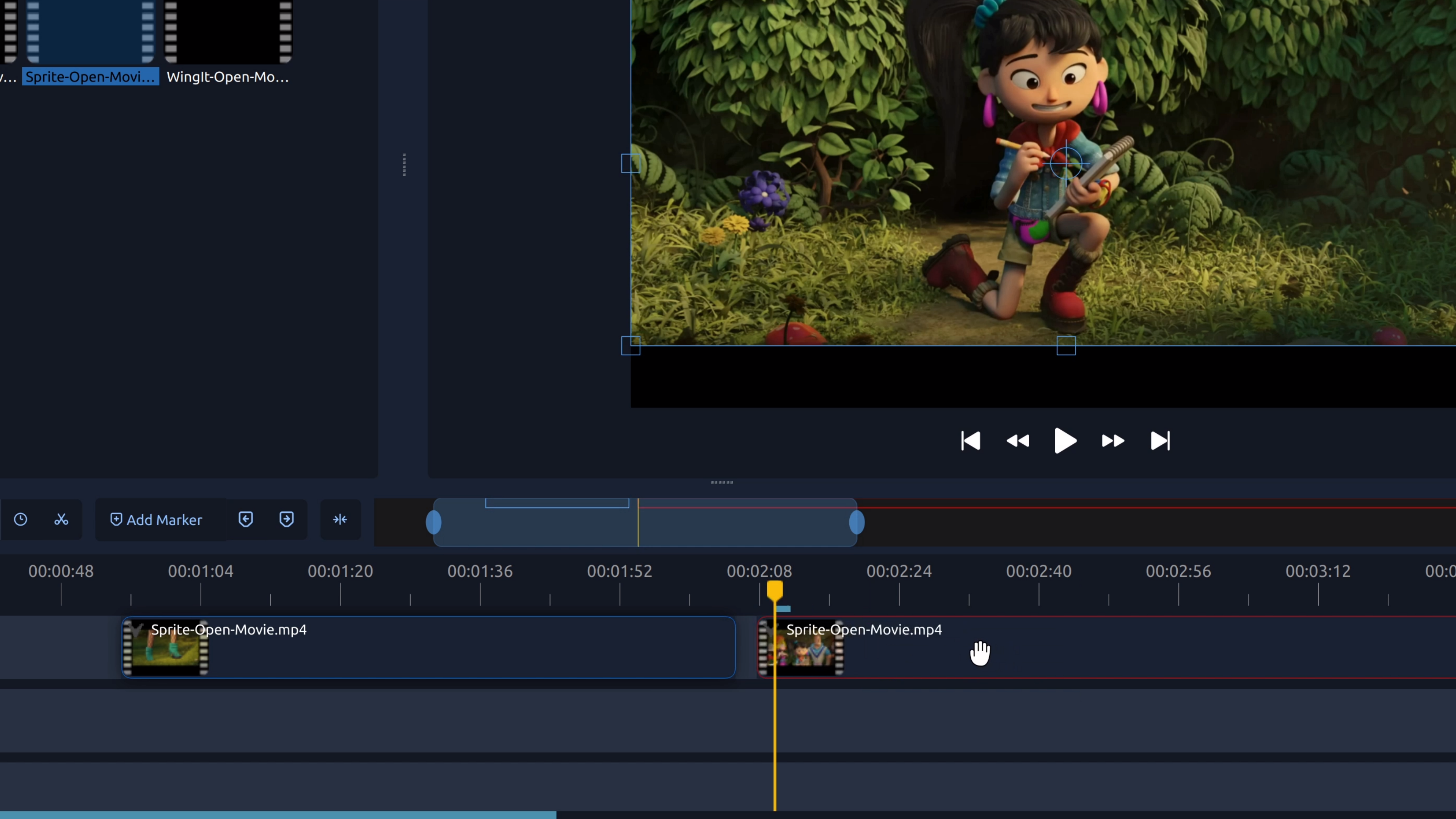
To remove part of a video from the middle, you split the clip at the start and end of the section you don’t want, then delete the unwanted piece.
How Do I Rotate a Video?
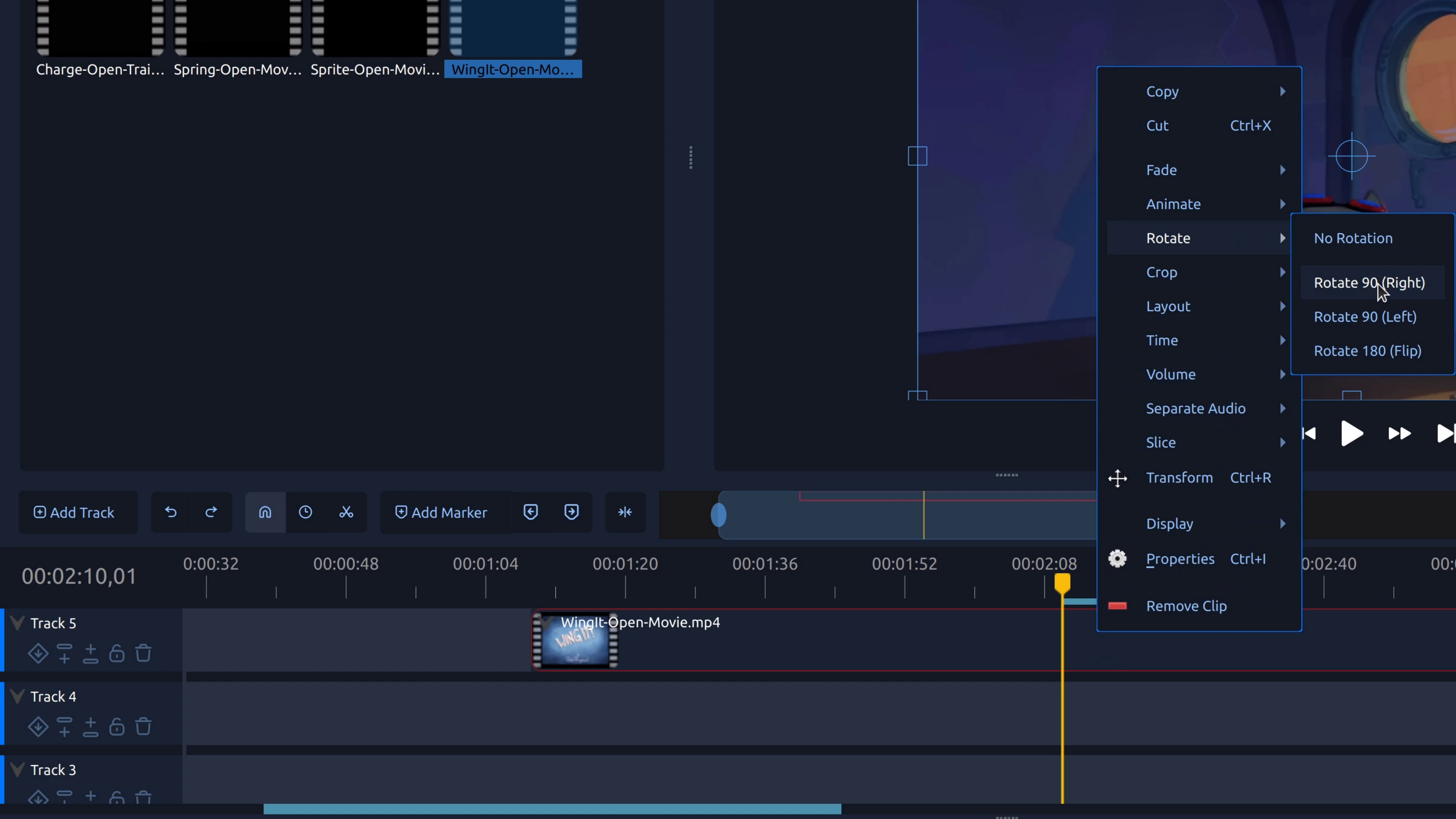
Rotating a video lets you fix sideways or upside-down footage by adjusting the clip’s rotation so it displays correctly.